3DeVOK
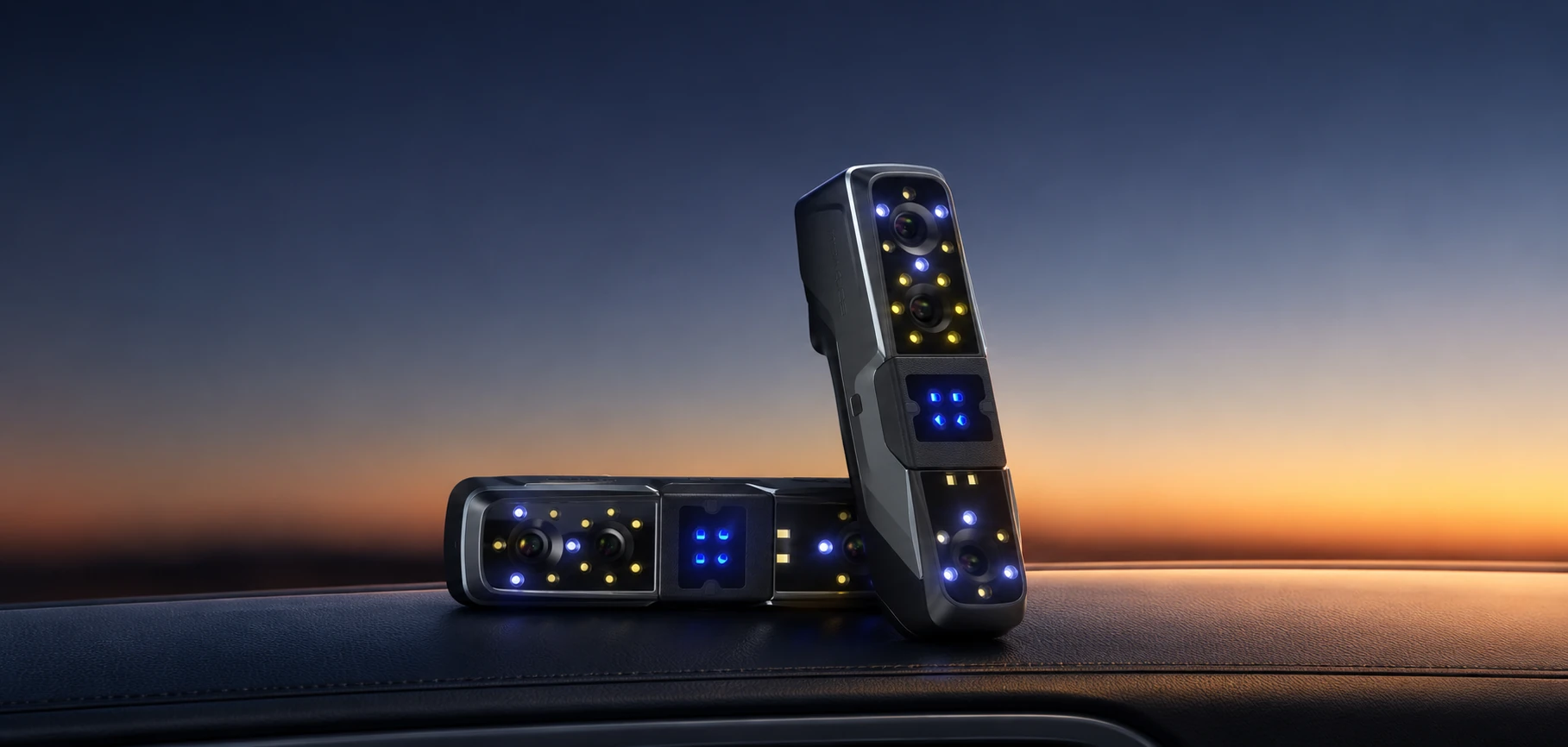
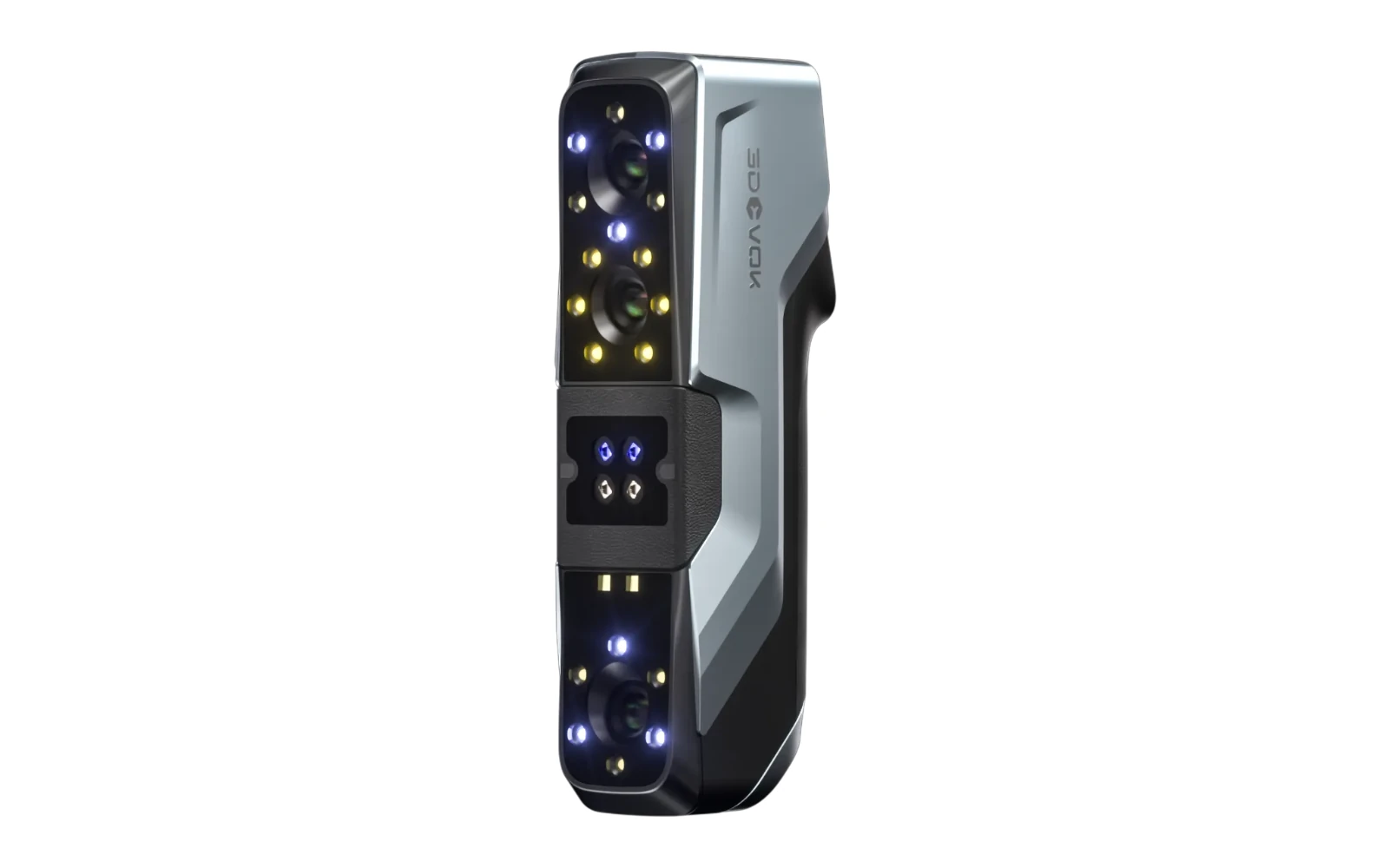
3DeVOK MT
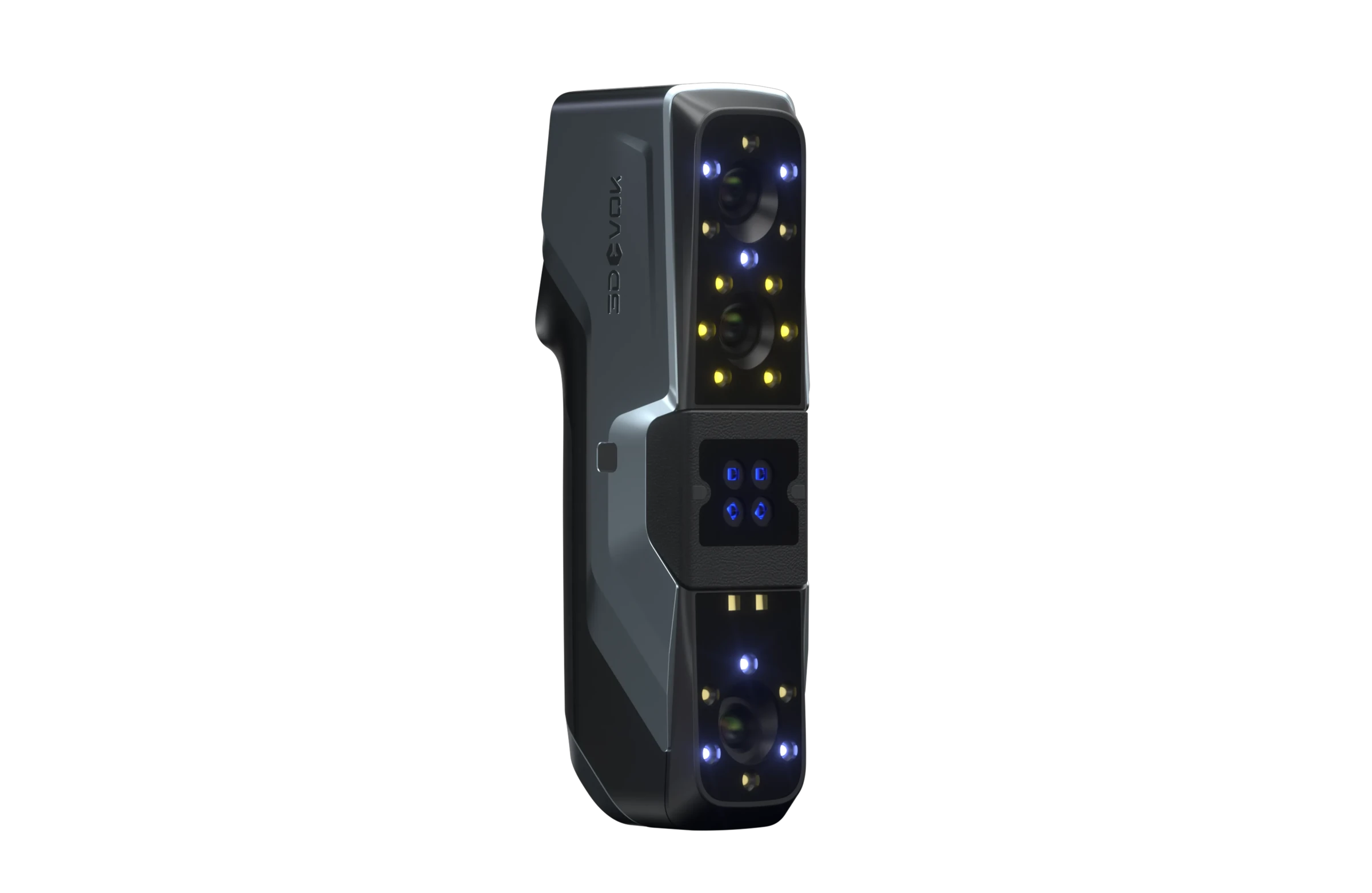
Three capture modes. More options for your object.
Explore the product →01 / OVERVIEW





02 / APPLICATIONS
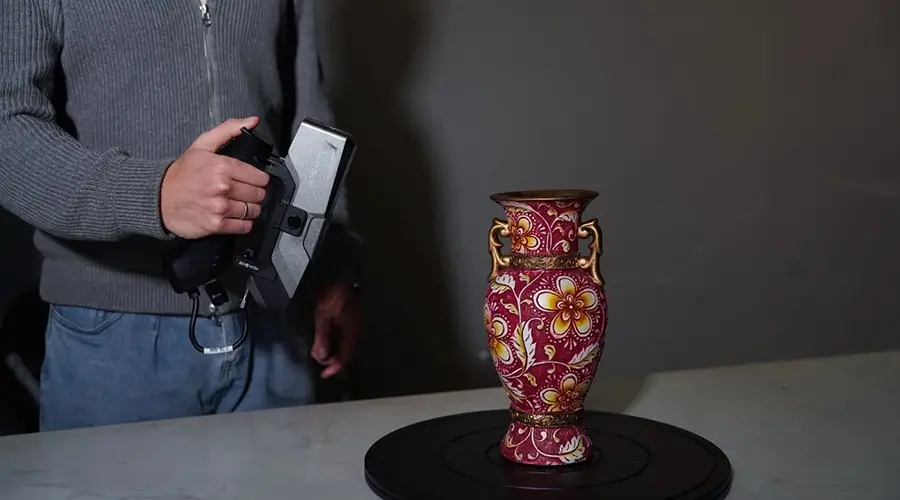
03 / HARDWARE
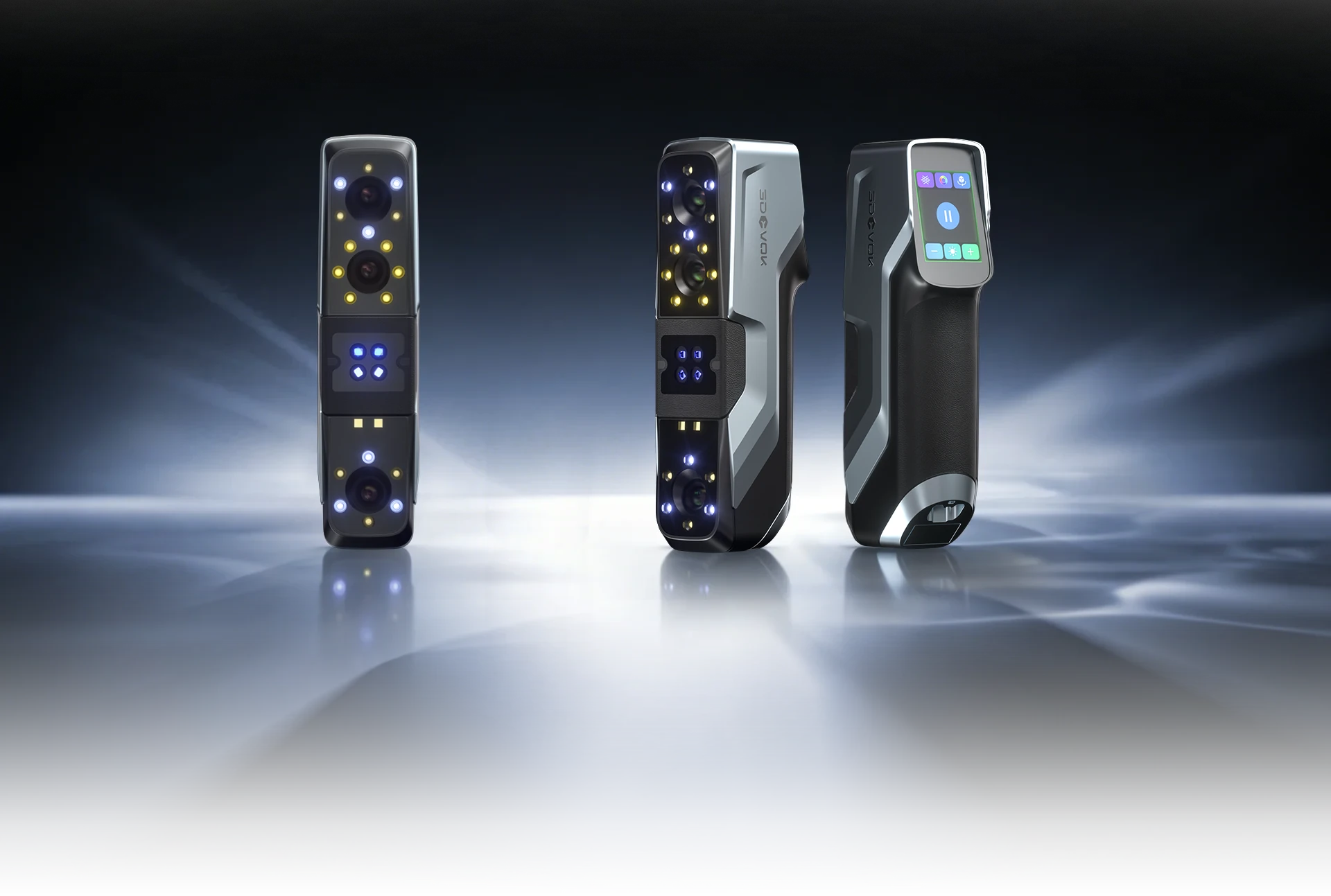
04 / LIGHT SOURCES
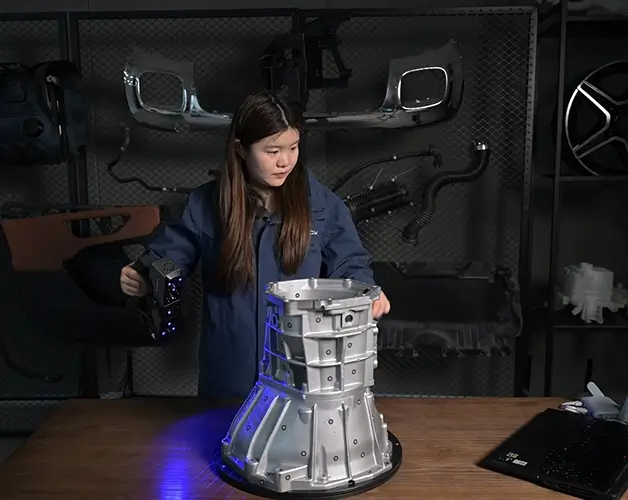
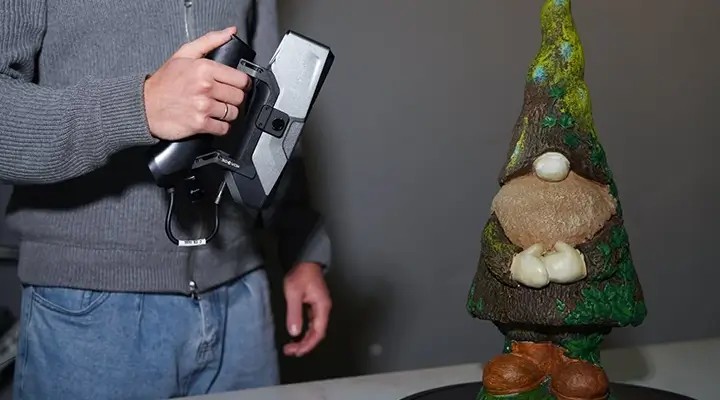
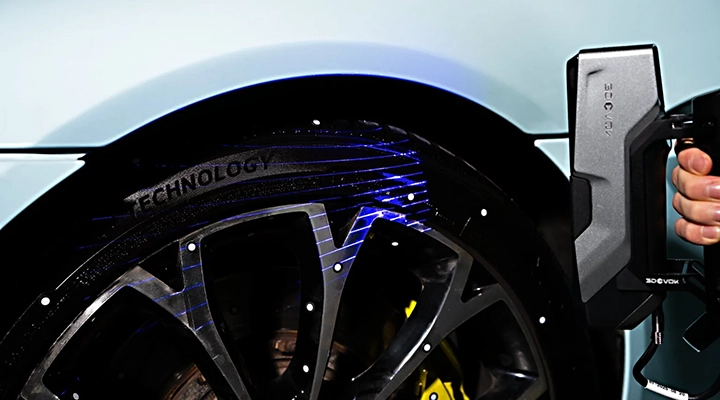
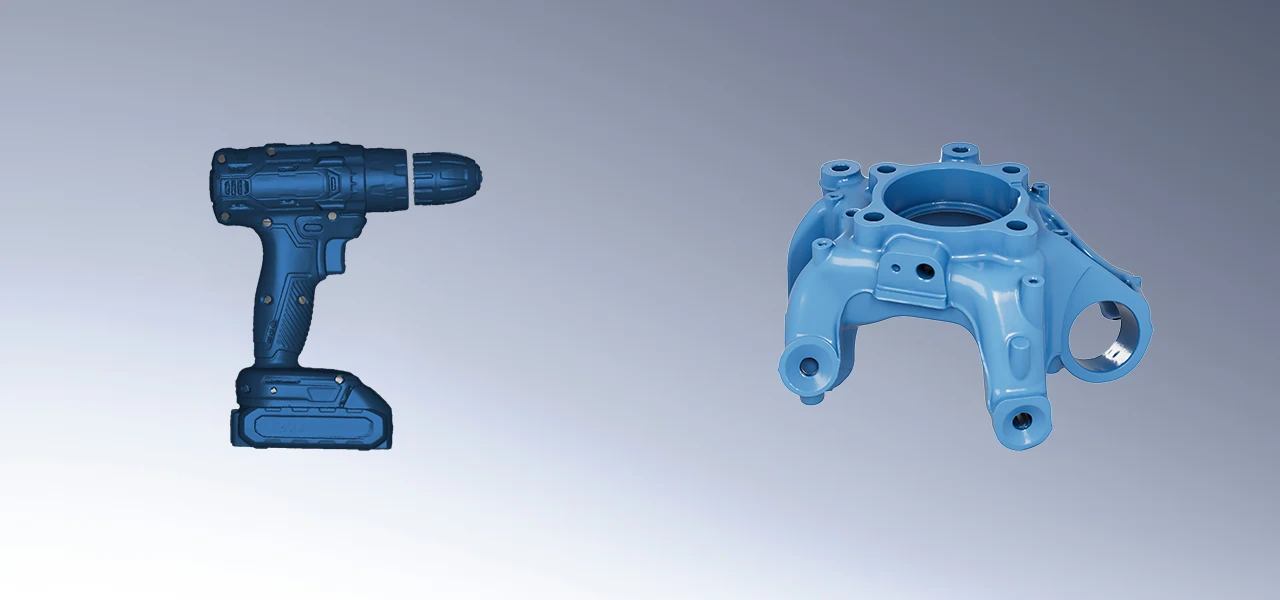
Achieves accuracy of up to 0.03 mm and a speed of 80 frames per second, ideal for scanning complex parts.
05 / FEATURES
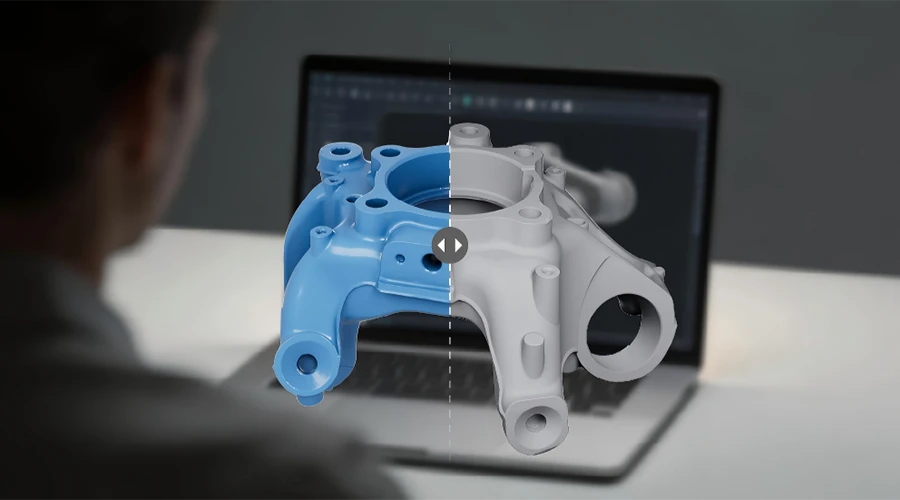
With maximum accuracy of 0.03 mm and scanning at up to 80 fps, it meets the demands of high-precision modeling in industrial reverse engineering.
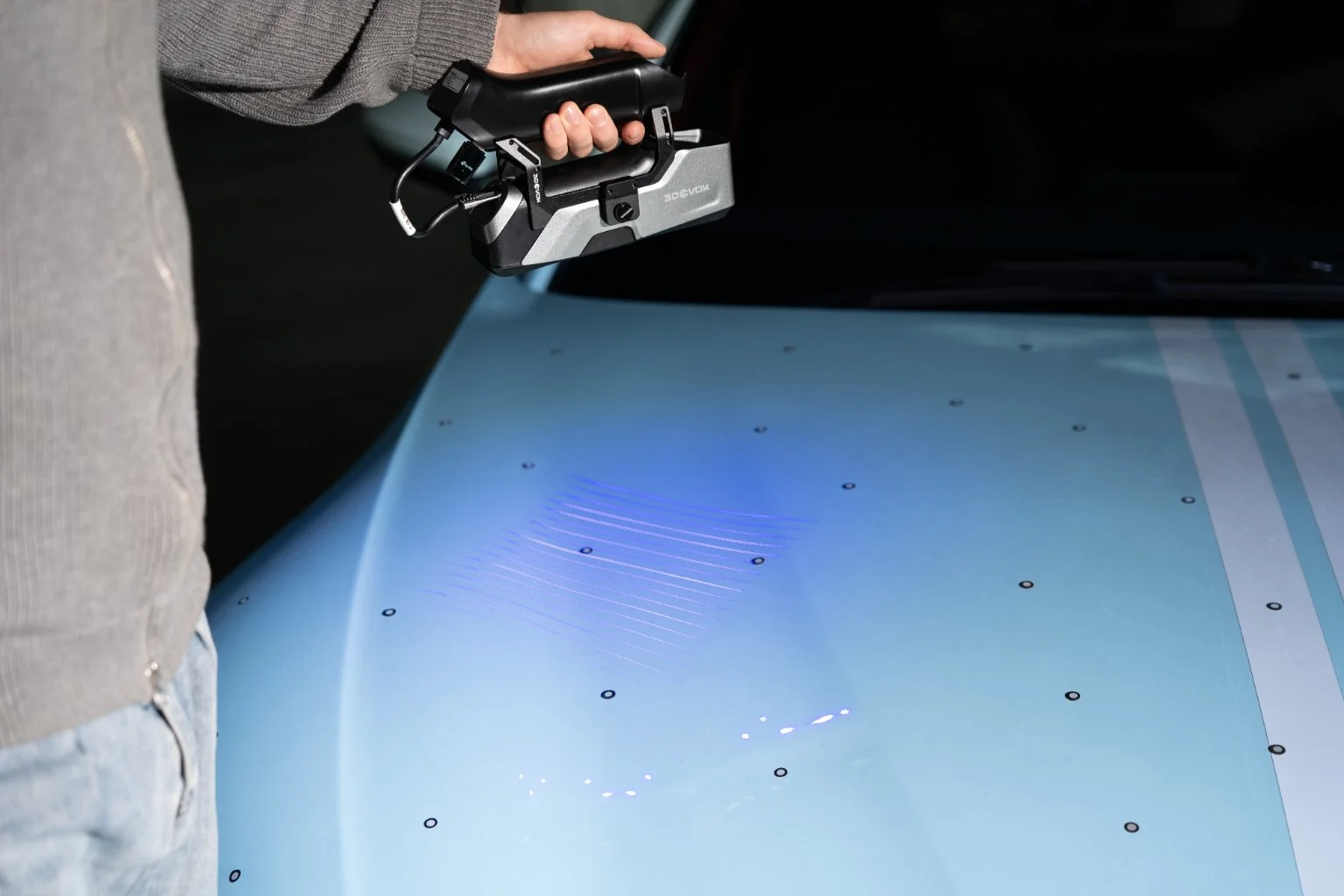
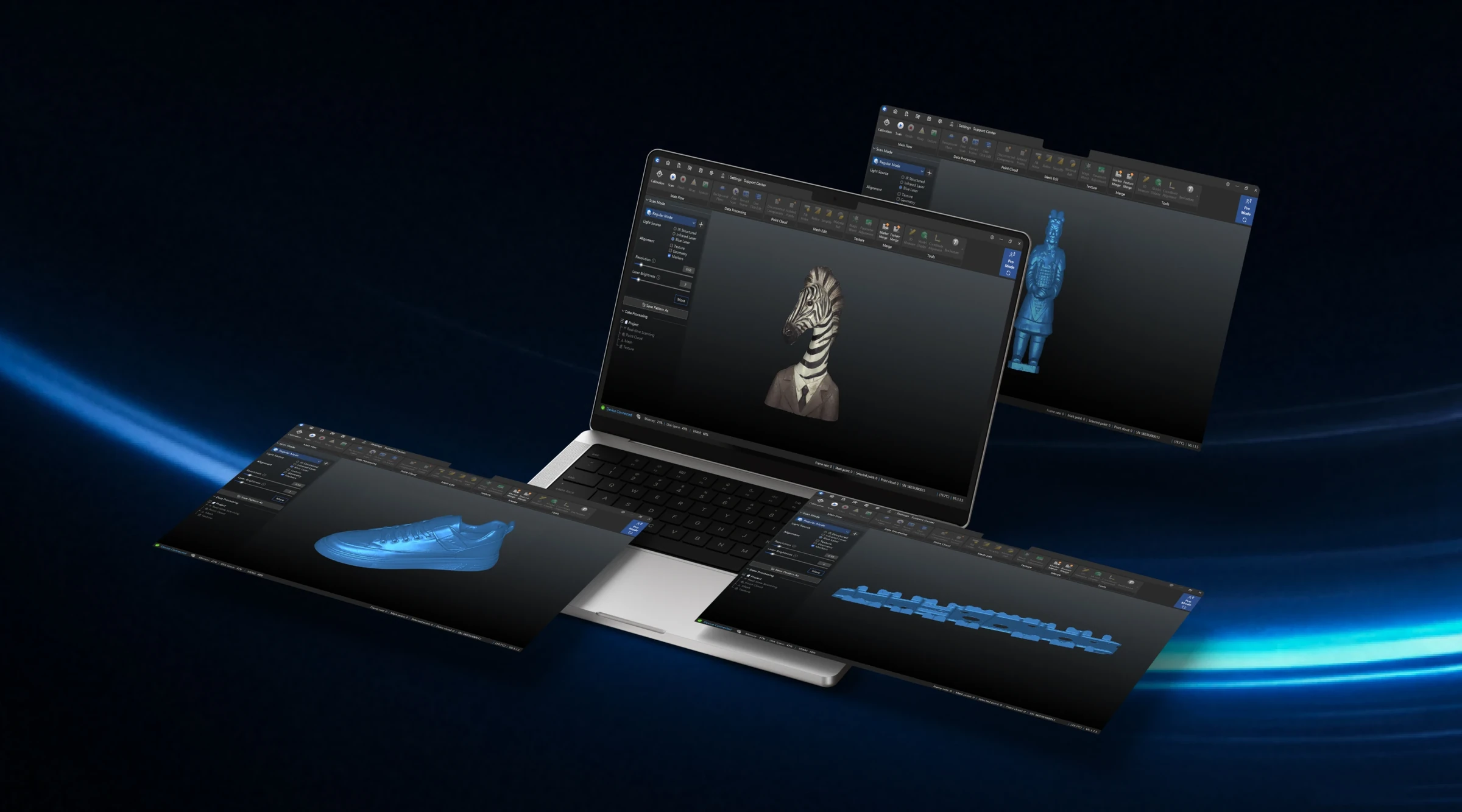
Marker pre-scanning ensures higher accuracy on medium and large parts. The software also supports thin-wall alignment, merging of two point clouds, smart color mapping, software updates and offline processing on multiple computers.
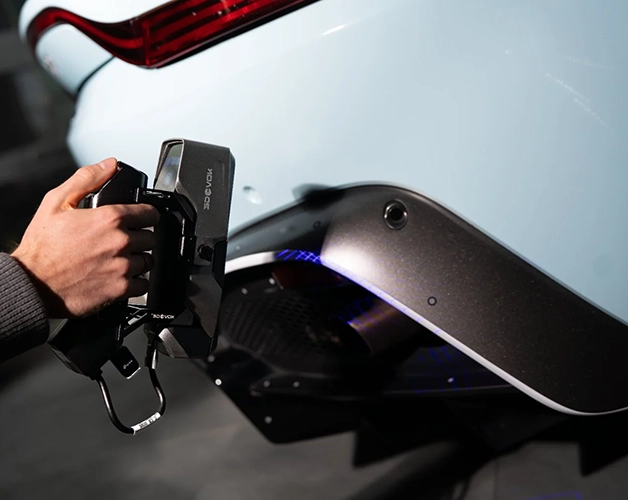
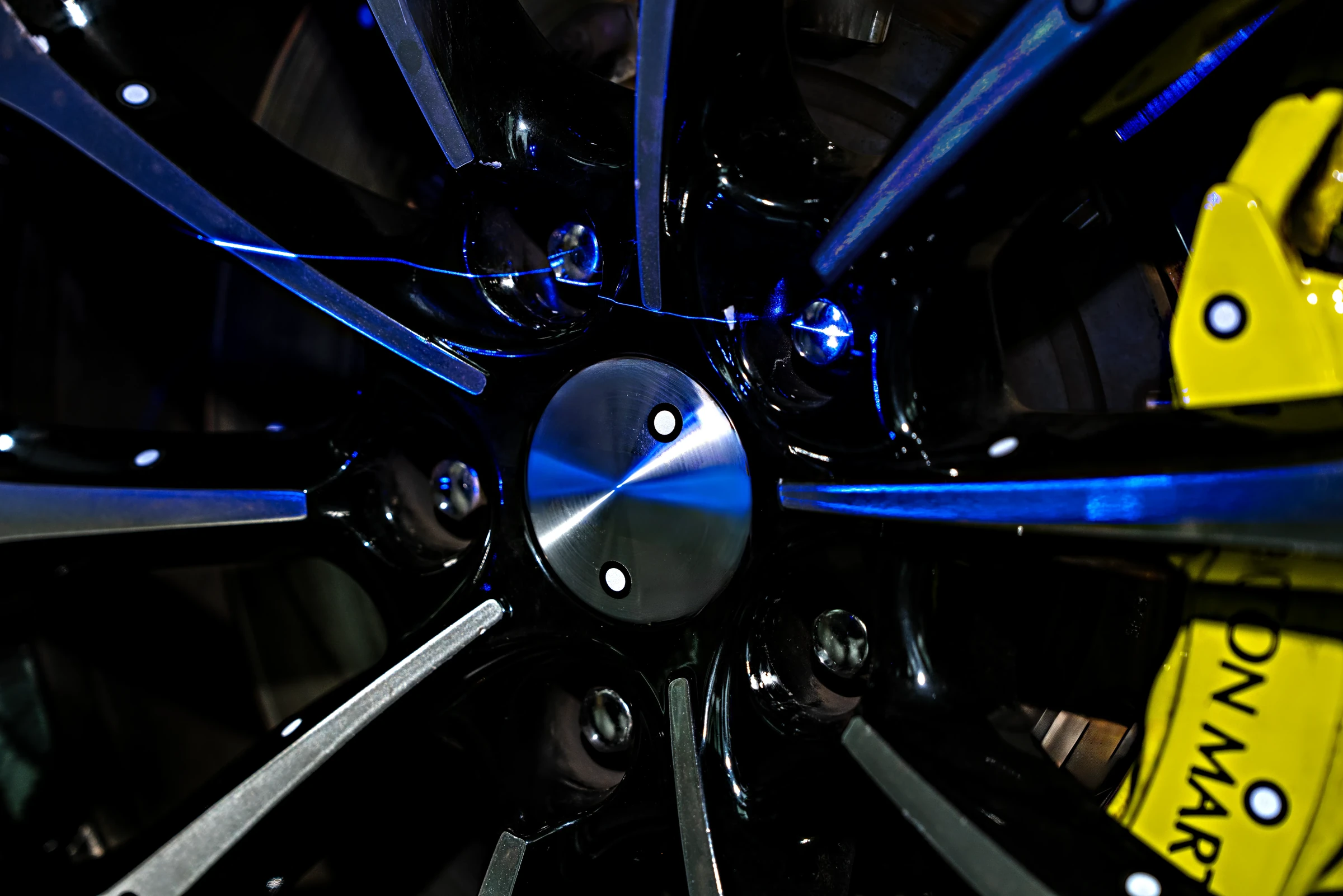
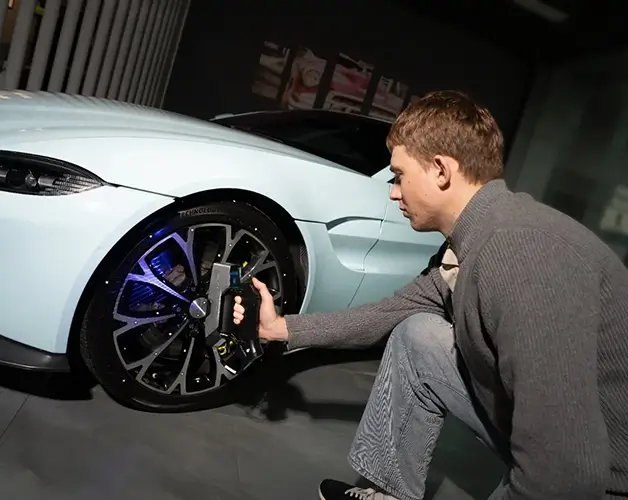
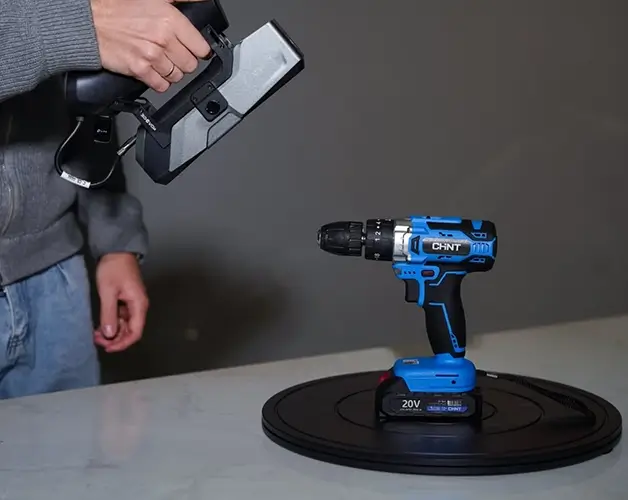
Effortlessly scans dark, reflective and challenging materials – no powder spray needed.
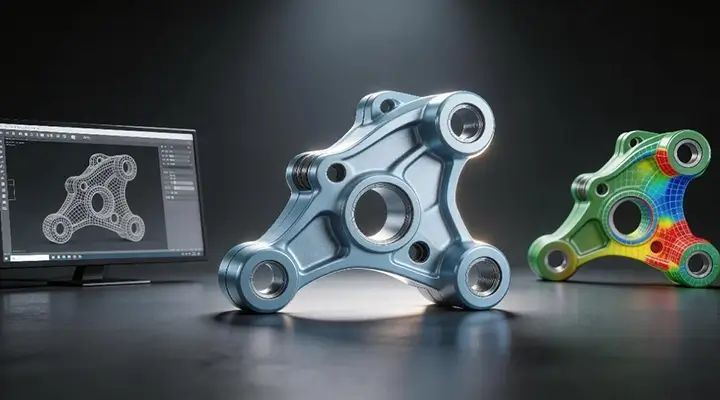
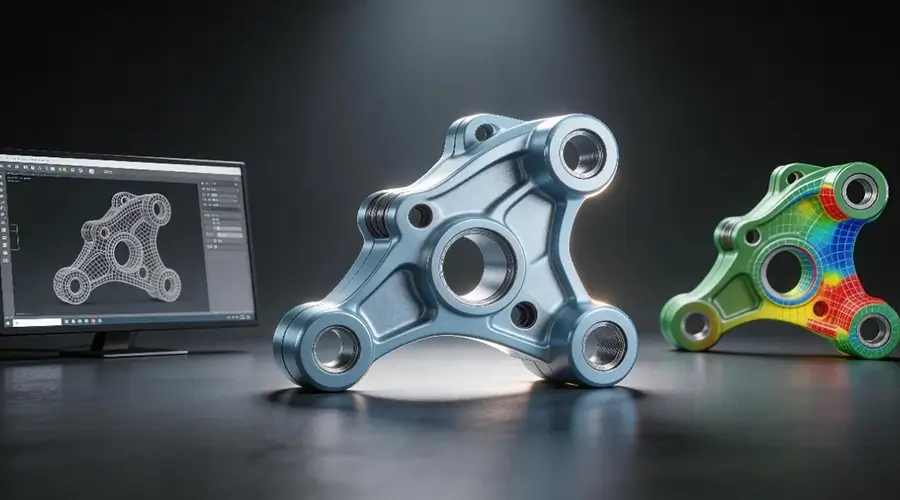
Scan data connects directly with DefinSight Model and PolyWorks for CAD modeling, 3D unfolding and inspection workflows.
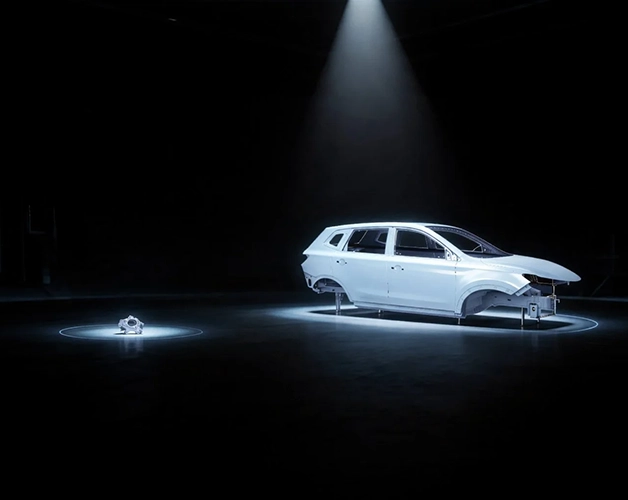
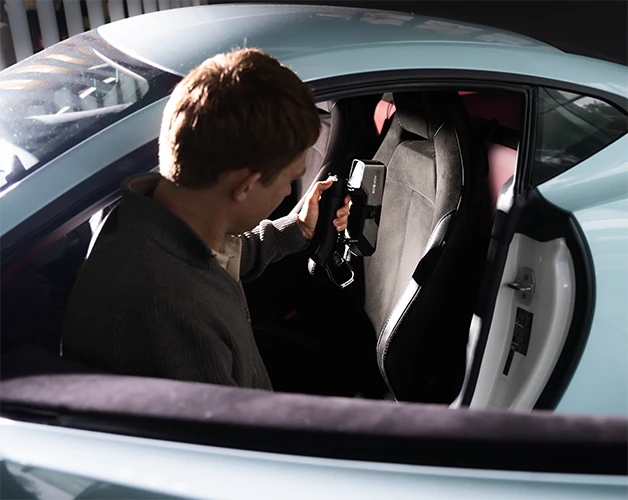
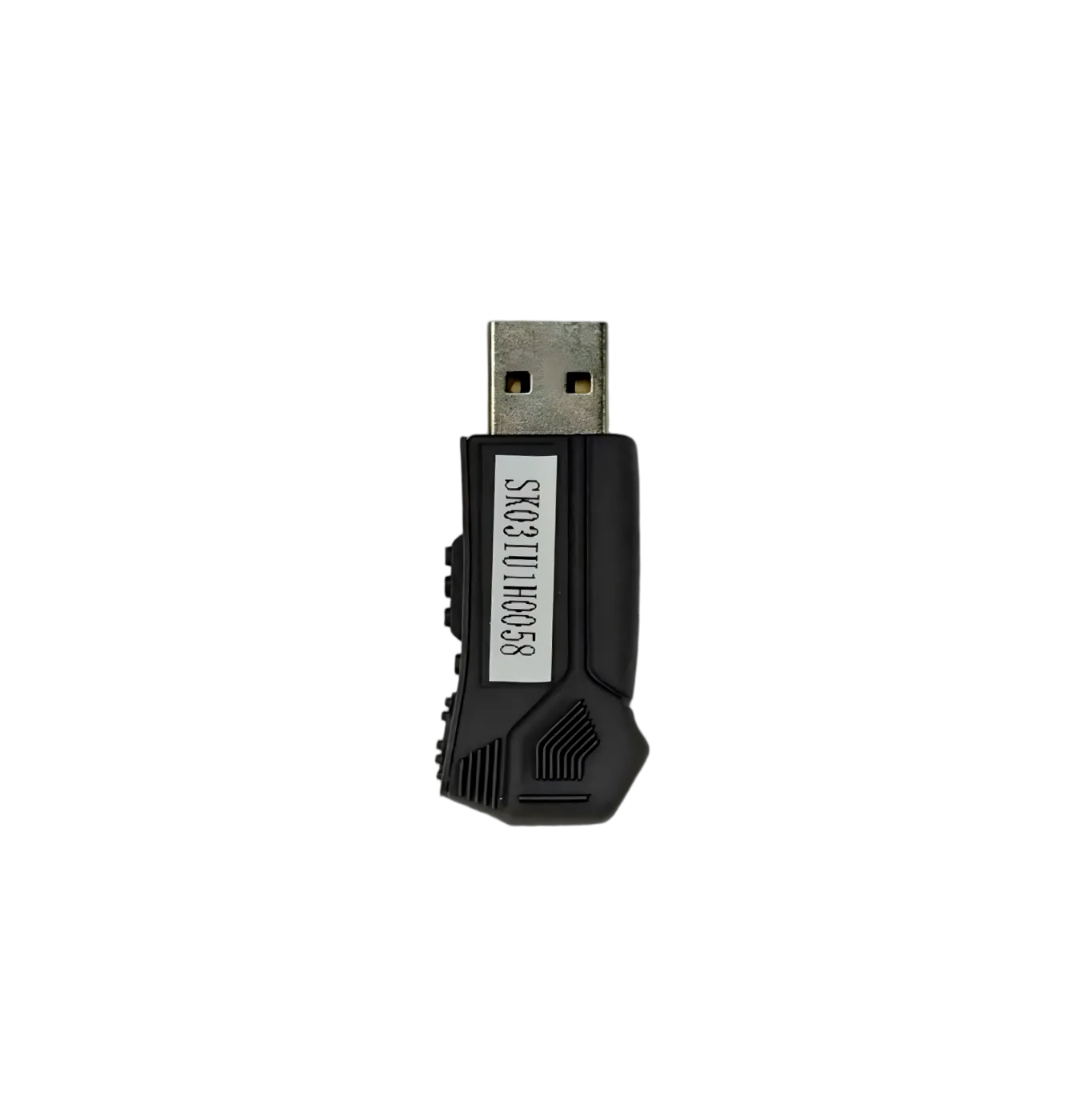
The optional 3DeVOK Airgo wireless handle enables wireless scanning for medium and large projects and outdoors, with real-time progress on a phone or tablet.
3DeVOK Airgo →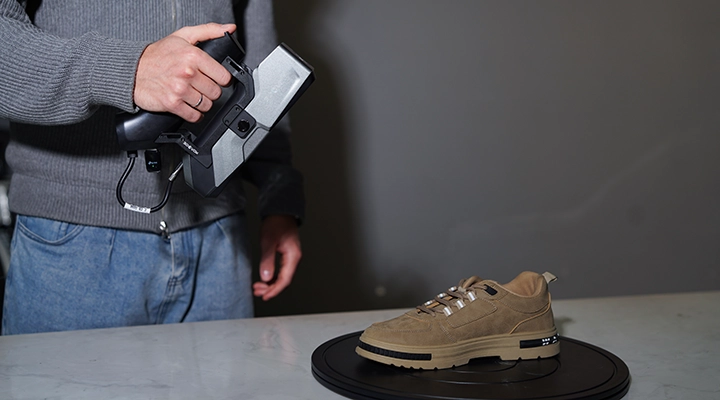
Supports hybrid alignment requiring few or no markers for smooth, effortless scanning.

06 / 3DEVOK VIDEO PRESENTATION
Watch the full product presentation.
Official video on YouTube →07 / RESULTS
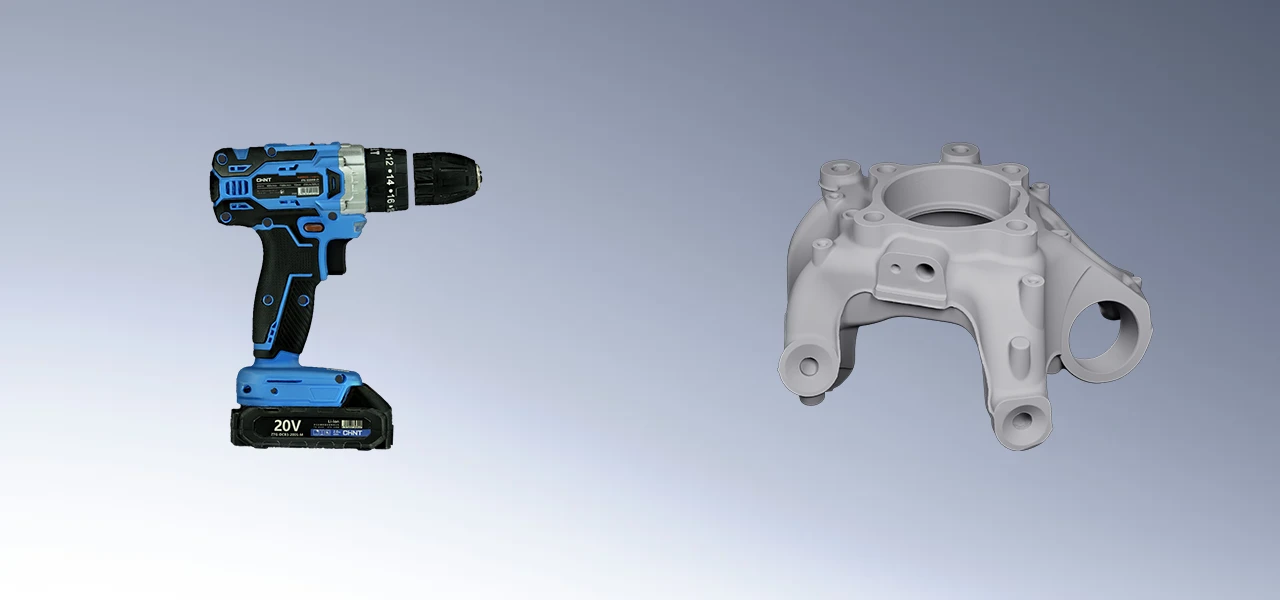
08 / IN THE BOX
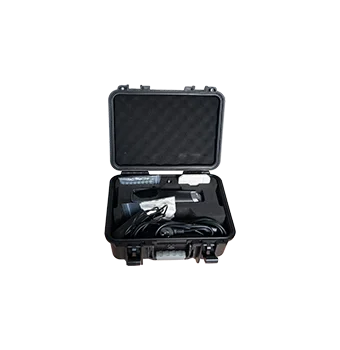
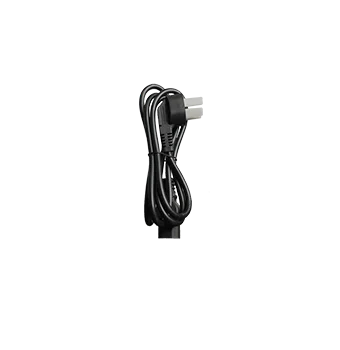
09 / SPECIFICATIONS
| 3DeVOK MT Gen2 | ||||
|---|---|---|---|---|
| Light sources | 34 cross blue laser lines | 11 parallel blue laser lines | 1 single blue laser line | Infrared VCSEL structured light |
| Laser class | Class Ⅱ (eye-safe) | Class Ⅰ (eye-safe) | ||
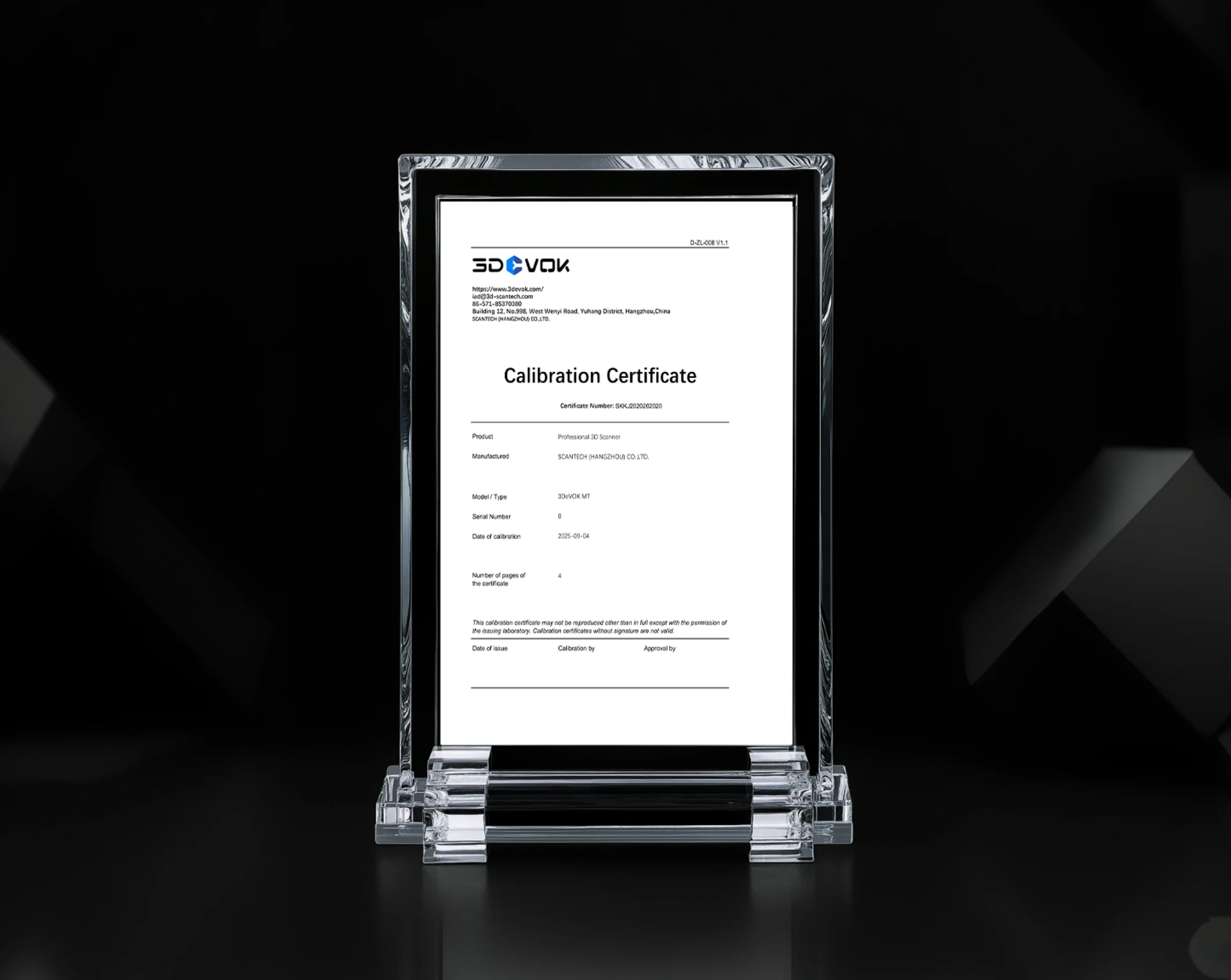
| Basic accuracy* | Up to 0.03 mm | |||
| Volumetric accuracy* | Up to 0.03 mm + 0.04 mm/m | |||
| Resolution | 0.1–5.0 mm | 0.05–5.0 mm | 0.1–5.0 mm | 0.2–5.0 mm |
| Alignment mode | Hybrid alignment, marker alignment, texture feature alignment and geometric feature alignment | Hybrid alignment, marker alignment, texture feature alignment and geometric feature alignment | ||
| Wireless scanning | Supported (with wireless handle) | |||
| Texture capture | Yes | |||
| Focal distance | 325 mm | 210 mm | 325 mm | 400 mm |
| Maximum scanning distance | 1.000 mm | 295 mm | 600 mm | 1.500 mm |
| Field of view | 140 mm × 140 mm – 490 mm × 490 mm* | 50 mm × 75 mm – 1.100 mm × 1.000 mm | ||
| Scanning rate | Up to 3,300,000 points/s | Up to 4,500,000 points/s | ||
| Frame rate | Up to 80 FPS (marker alignment) | Up to 30 FPS | ||
| Output formats | *.obj, *.stl, *.ply, *.asc, *.mk2, *.txt, *.epj, *.apj, *.spj, *.map, *.sk | |||
| 3D printing | Supports .stl, .obj and other formats | |||
| Operating temperature | 0–40 °C, 10–90 % relative humidity (non-condensing) | |||
| Interface | USB 3.0 | |||
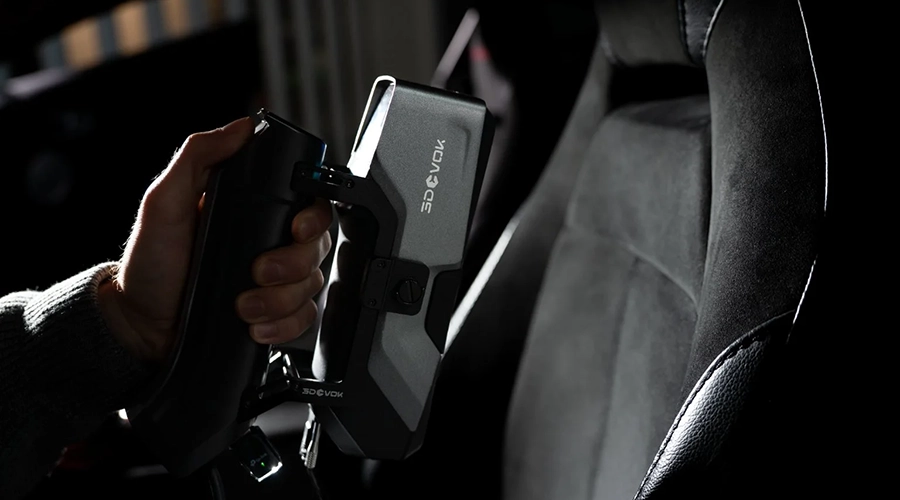
| Scanner dimensions and weight | Dimensions: 215 mm × 73 mm × 53 mm; weight: 620 g | |||
| Power supply | DC: 12 V, 5.0 A | |||
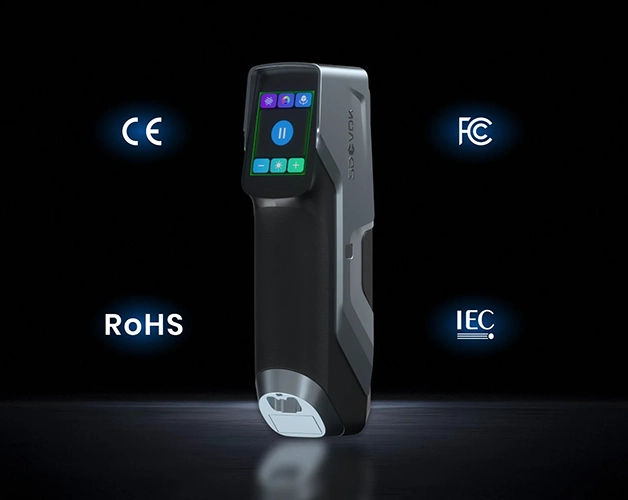
| Certification | CE-EMC, FCC, RoHS, IEC 60825, IEC 62471, WEEE, KC | |||
| Recommended computer configuration | OS: Win10/Win11, 64-bit; CPU: i7-13650HX or higher; RAM: 32 GB or more; graphics card: dedicated NVIDIA graphics card, NVIDIA RTX3060 or higher; graphics memory: 6 GB or more | |||
*Cross blue laser. The accuracy of the blue laser marker mode is verified according to laboratory standards for theoretical accuracy testing. A factory accuracy test report is included for verification.
10 / FAQ
The optimal scanning distances for the MT Gen2 light sources are: blue cross lines 250–300 mm, blue parallel lines 210–260 mm, single blue line 250–300 mm and infrared structured light 250–400 mm. Scanning within this range ensures the best detail and accuracy.
A single-line scanning mode has been added for better capture of hard-to-scan areas such as deep holes and blind spots. It is upgraded with 7 parallel blue laser lines reaching 0.05 mm resolution, with overall improved high-precision fine-detail scanning.
Yes, hybrid alignment is supported for cross, parallel and single line. You can also switch freely between them during scanning to adapt to different scanning scenarios.
11 / LEARN MORE
3DeVOK
Three capture modes. More options for your object.
Explore the product →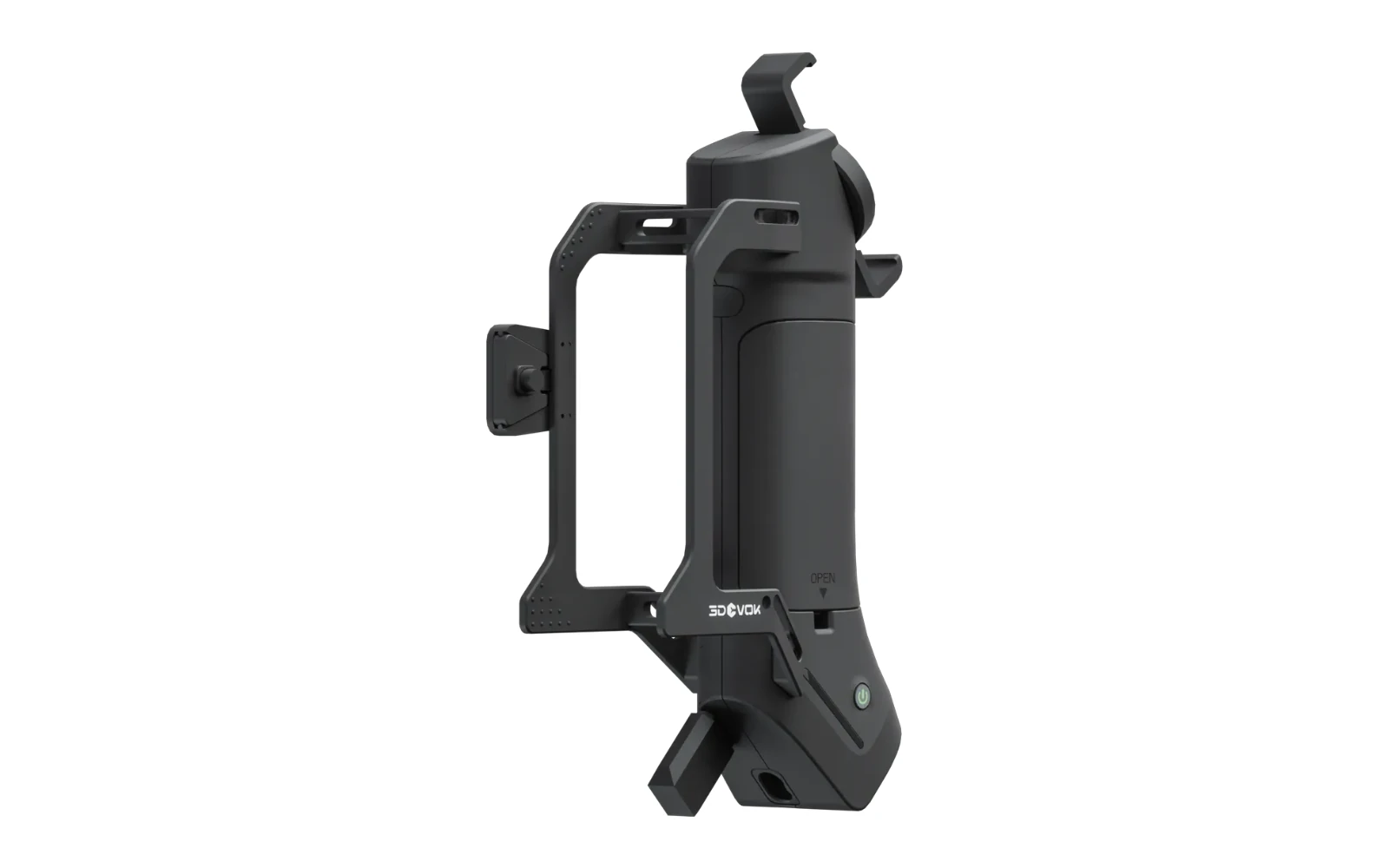
3DeVOK
More freedom moving around the object.
Explore the product →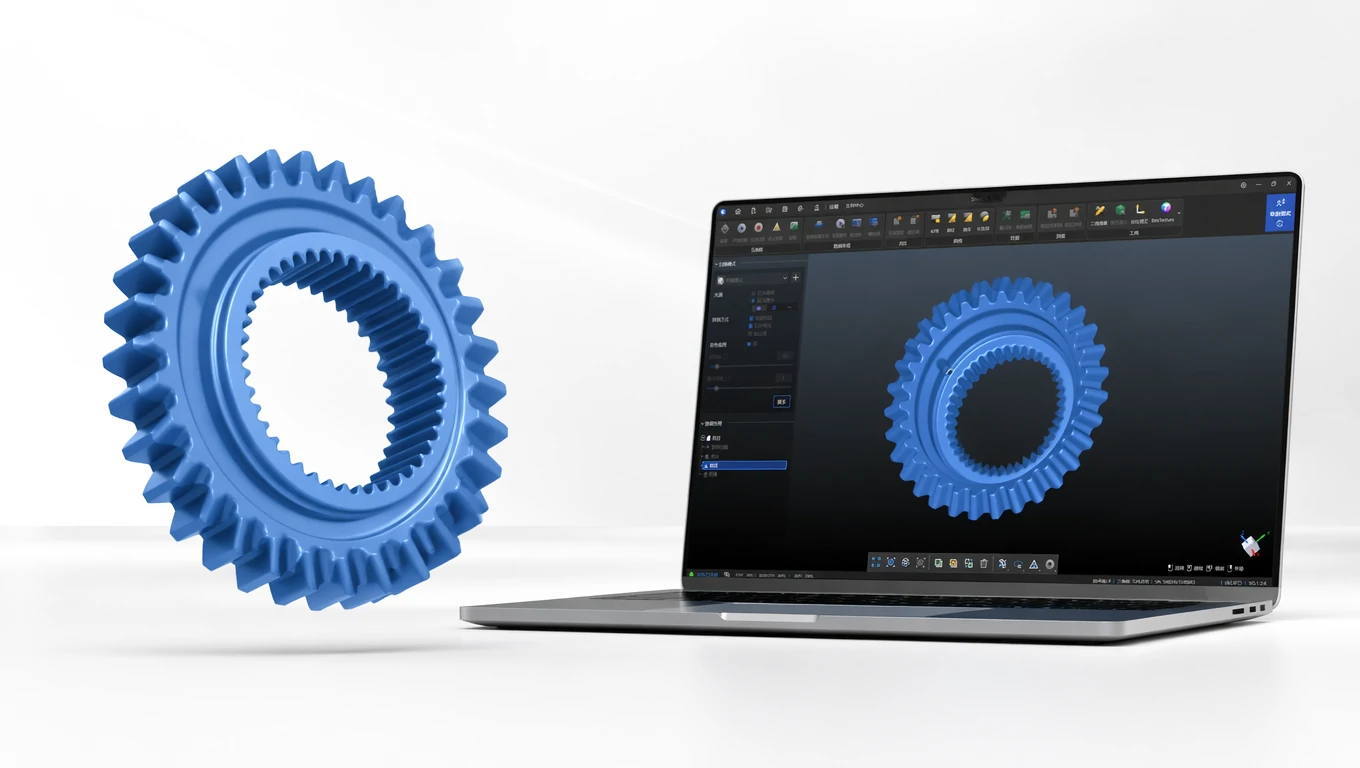
3DeVOK
From first capture to a finished 3D model.
Explore the product →3D ING / TALK ABOUT YOUR PROJECT
What do you want to scan and what result do you need?
Describe the object, its size, material and the intended use of the data. Together we can clarify the basis for choosing equipment.