DefinSight Mobile
01 / HIGHLIGHTS
DefinSight Mobile All-in-one 3D Digitization Mobile App
DefinSight Mobile
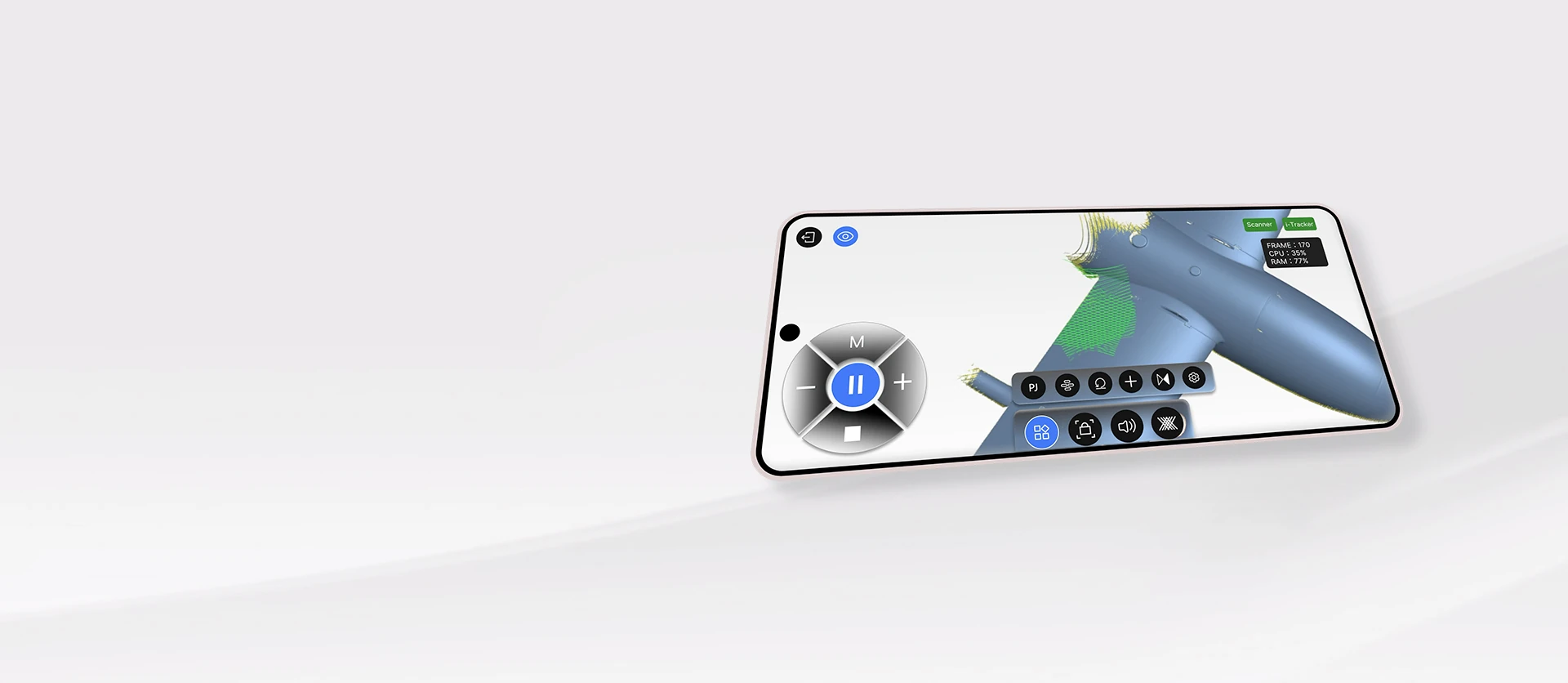
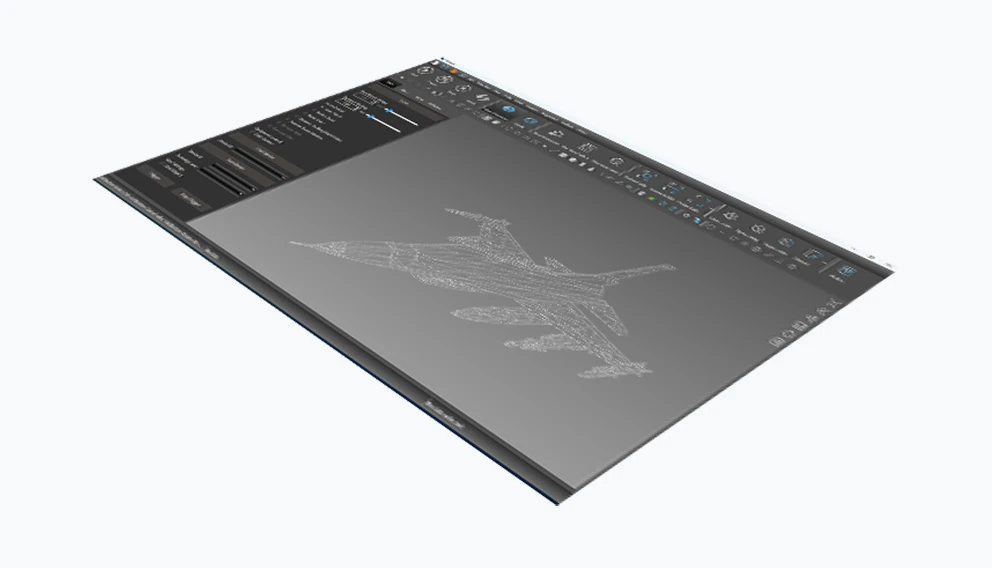
DefinSight Mobile is an all-in-one 3D digitization mobile app that lets you control and display DefinSight desktop software anytime, anywhere. It combines the high processing power of computers with the flexibility of mobile devices.
Designed for professionals on the move, it delivers real-time display, intuitive operation, and seamless collaboration—anytime, anywhere. DefinSight Mobile puts powerful, flexible scanning in your hands.
02 / FEATURES
Smooth Performance
Real-Time Interaction
Application Versatility
Seamless Integration
03 / GO MOBILE
Go Mobile, Stay Free
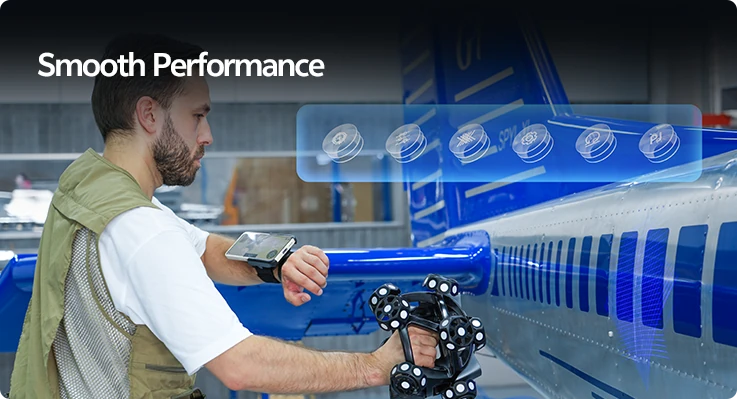
The system uses in-house developed adaptive frame rate technology to ensure low-latency and high-quality display—even with complex or high-density models. Mirror real-time point clouds, processing steps, and 3D models from PC to mobile with smooth, high-resolution projection. Enjoy smooth performance and remote control without being tied to your workstation.
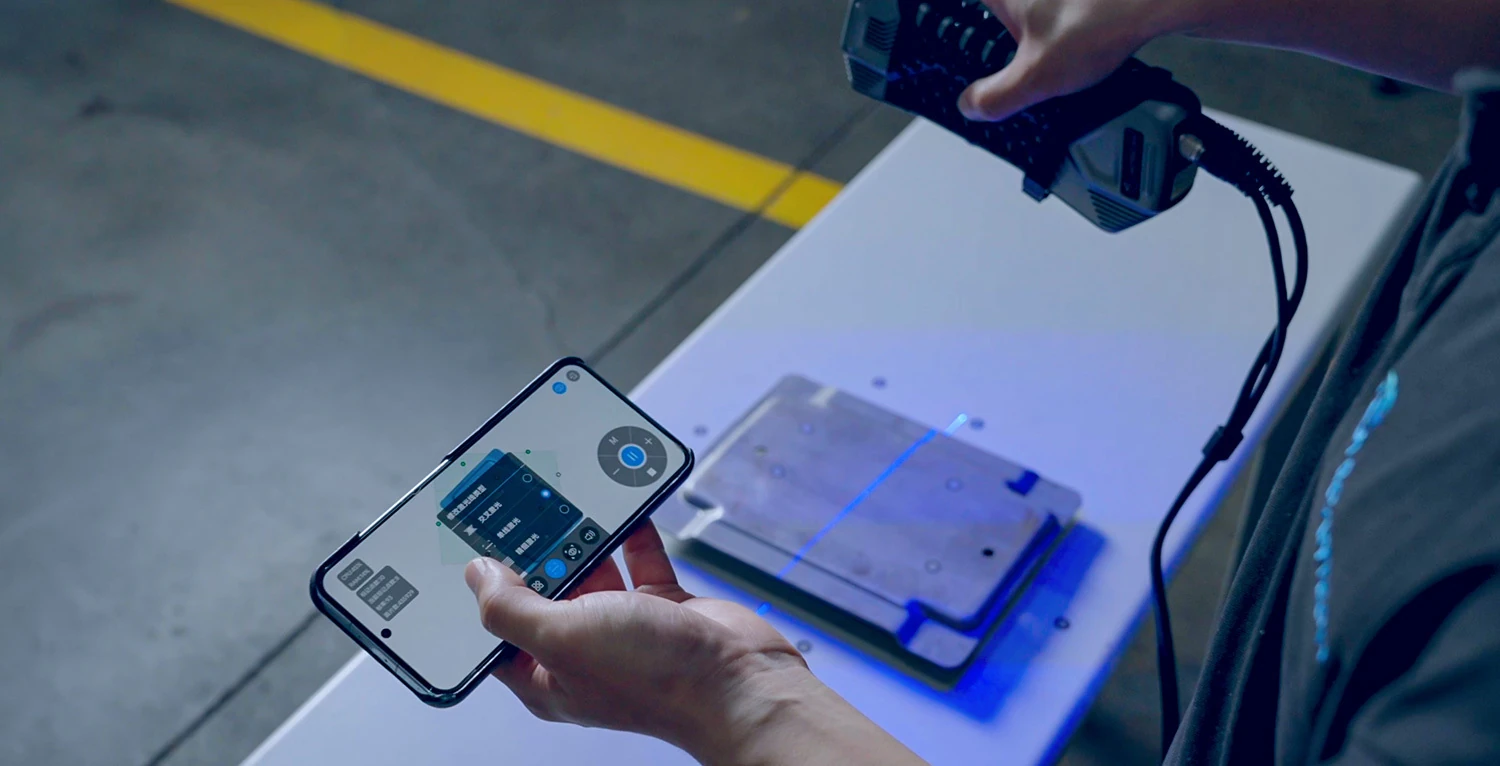
Control at Your Fingertips
Calibrate and adjust scan settings like point density, exposure, and view size directly from your mobile device. Easily switch between target scanning and laser scanning and choose different scanning modes without interrupting the scanning flow.
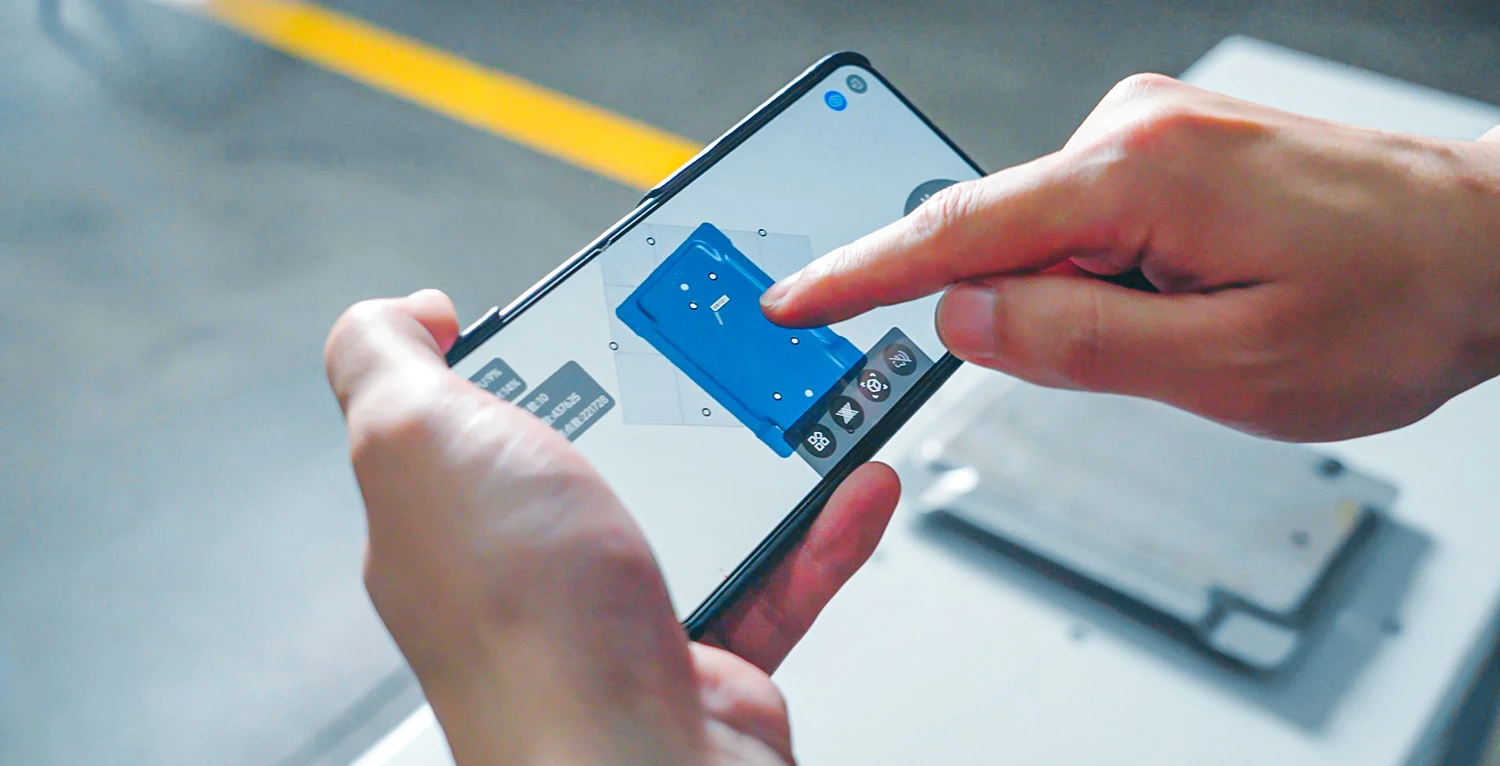
Interact in Real Time
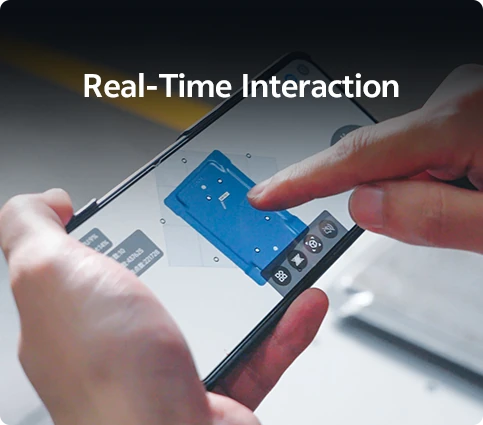
Use simple gestures to drag, rotate, or zoom 3D models on your phone or tablet. All interactions sync instantly with the PC, making collaboration faster and smarter. Most frequent tasks can be done with a single hand, making professional operations simple and easy to learn.
04 / CONNECTIVITY
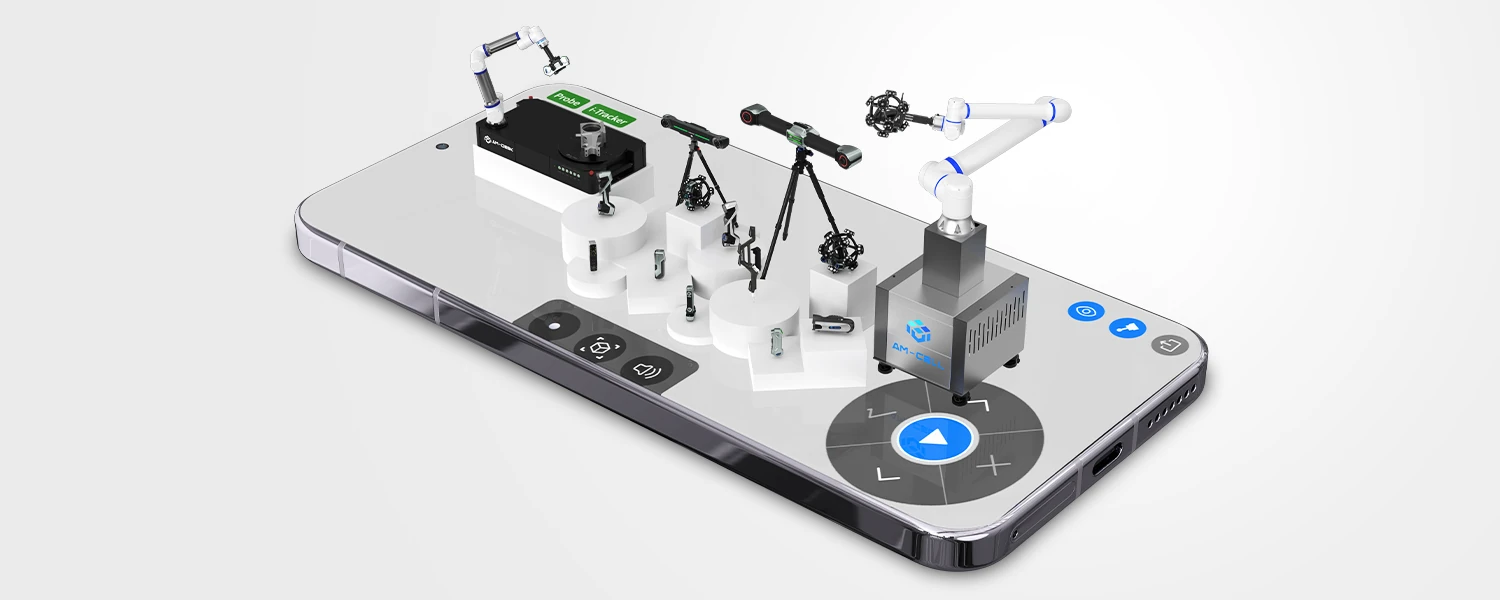
Connect Seamlessly
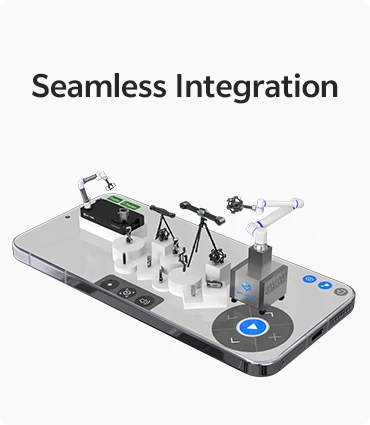
Experience seamless integration as all SCANOLOGY's 3D scanners compatible with DefinSight PC now support DefinSight Mobile—no extra hardware or setup required.
05 / APPLICATIONS
Versatile Applications
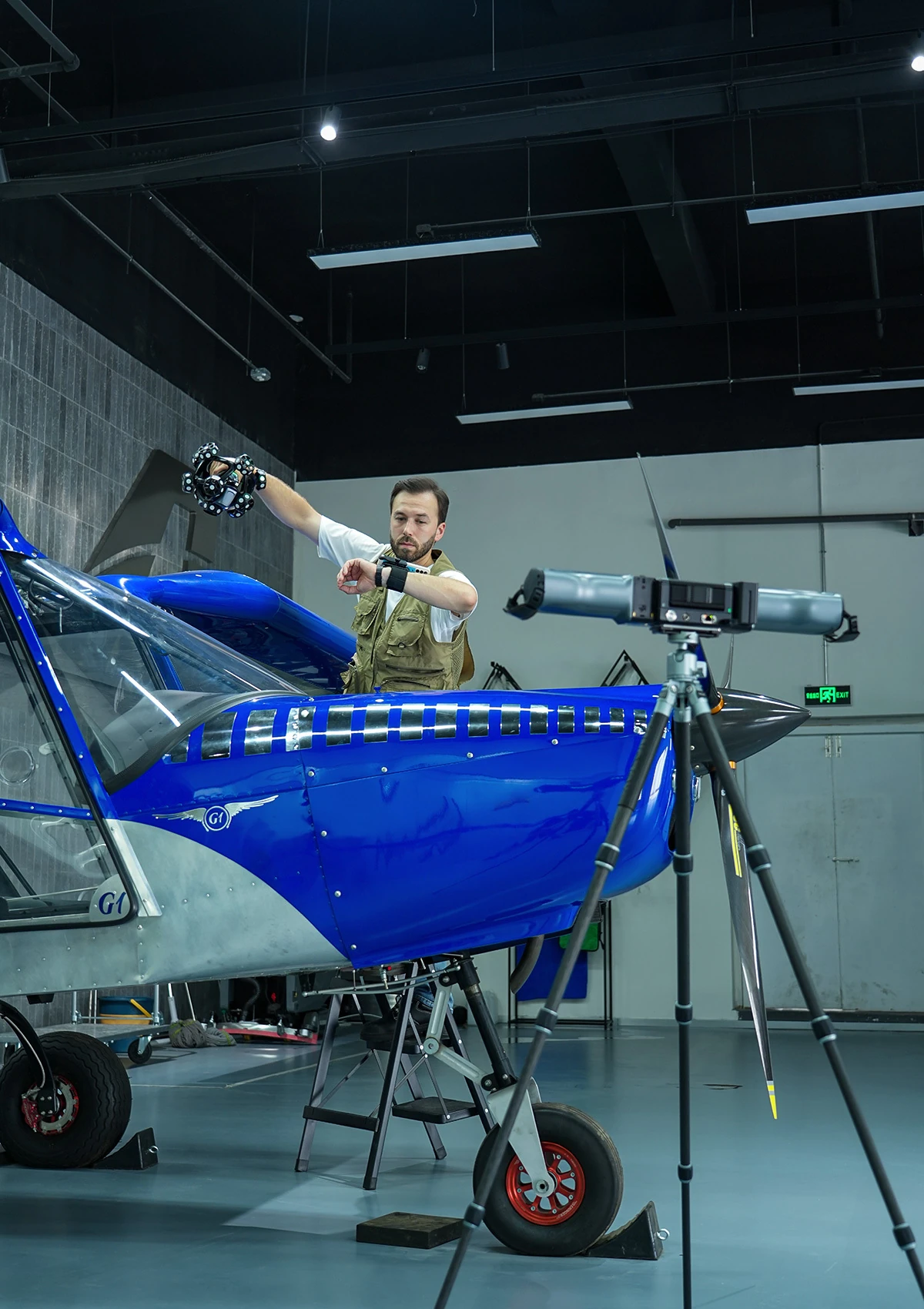
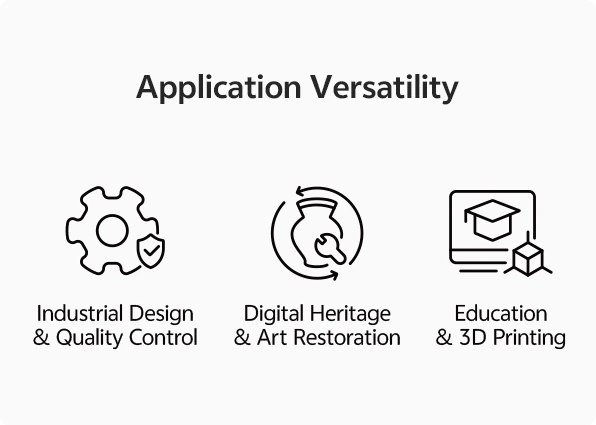
Industrial Design & Quality Control
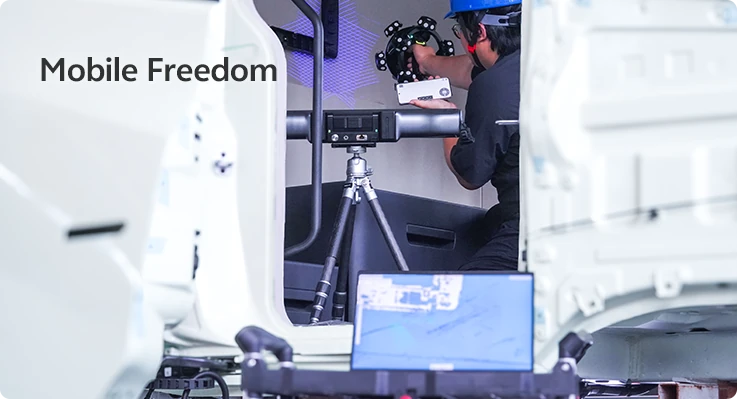
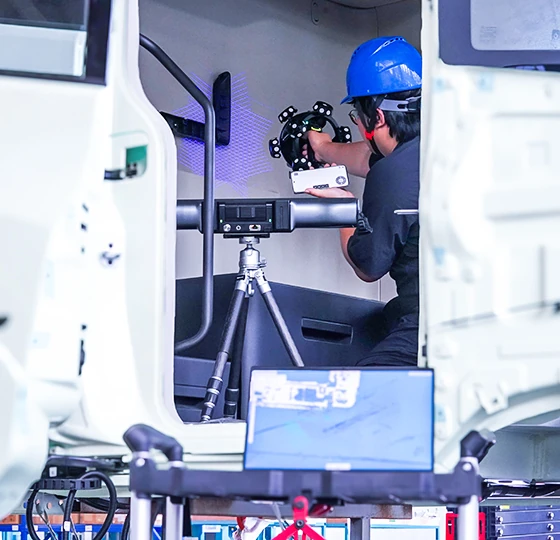
Engineers can view results live and fine-tune settings for precision modeling. While scanning large parts like car frames or molds, they can remotely view blind spots and adjust scan parameters on the fly to ensure complete data capture.
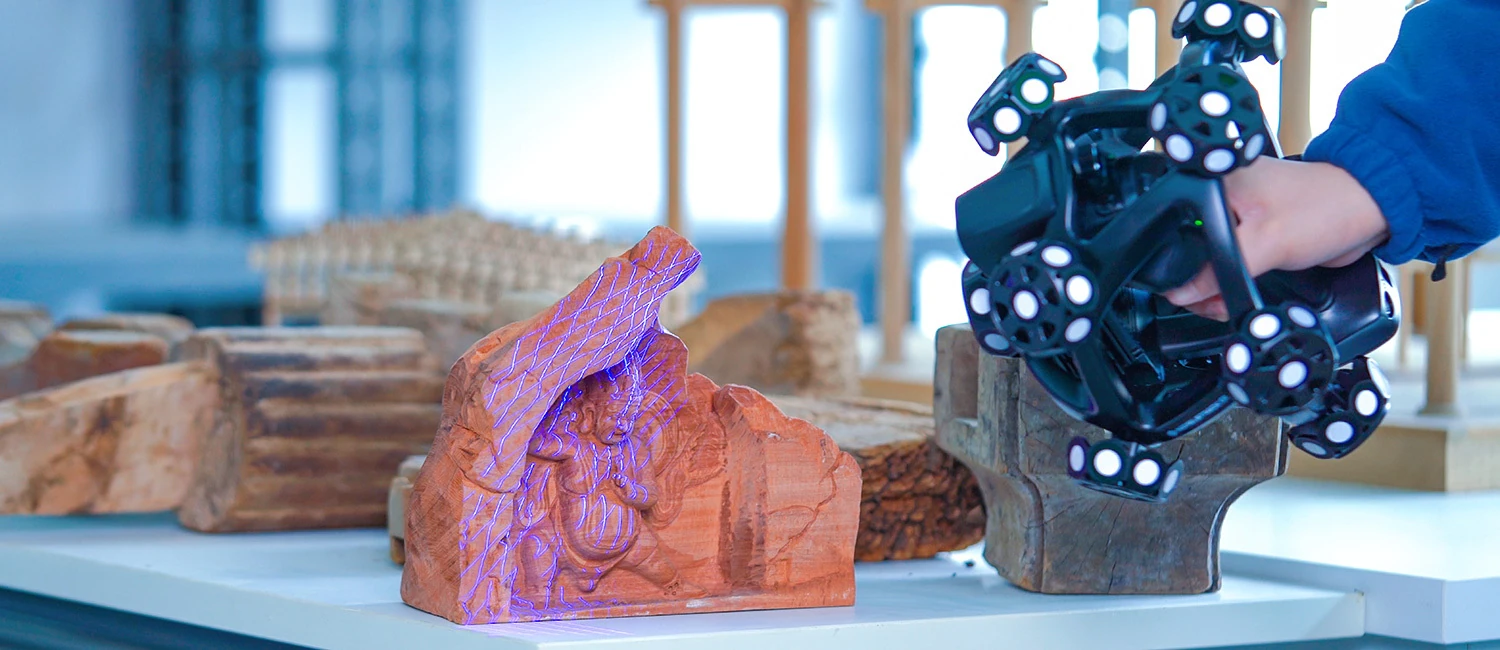
Digital Heritage & Art Restoration
Field teams can live-stream 3D scans of fragile artifacts to tablets, enabling experts to inspect details, verify completeness, and add annotations on-site—without physically handling the object.
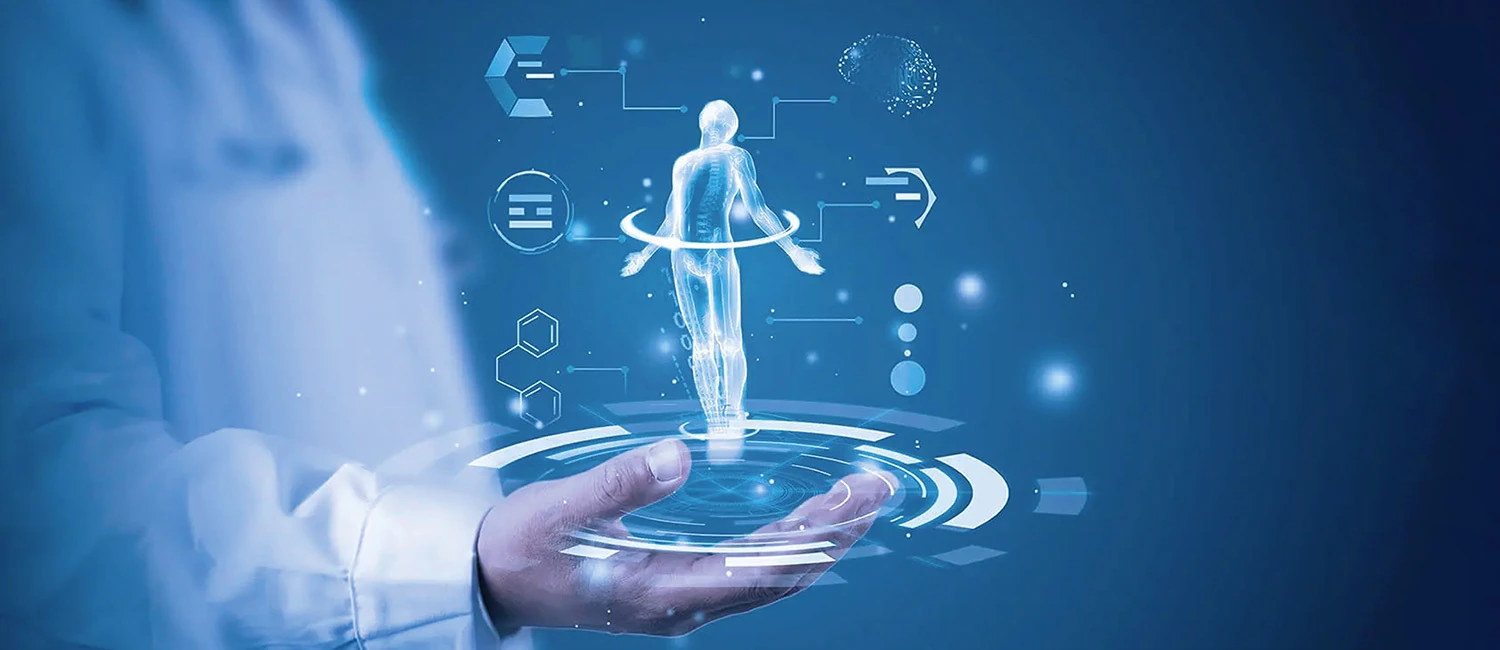
Education & 3D Printing
Educators can share 3D scanning sessions to students' devices, where they adjust parameters and follow real-time workflows—point clouds, mesh editing, and alignment—for more interactive, hands-on learning.
06 / AR GLASSES
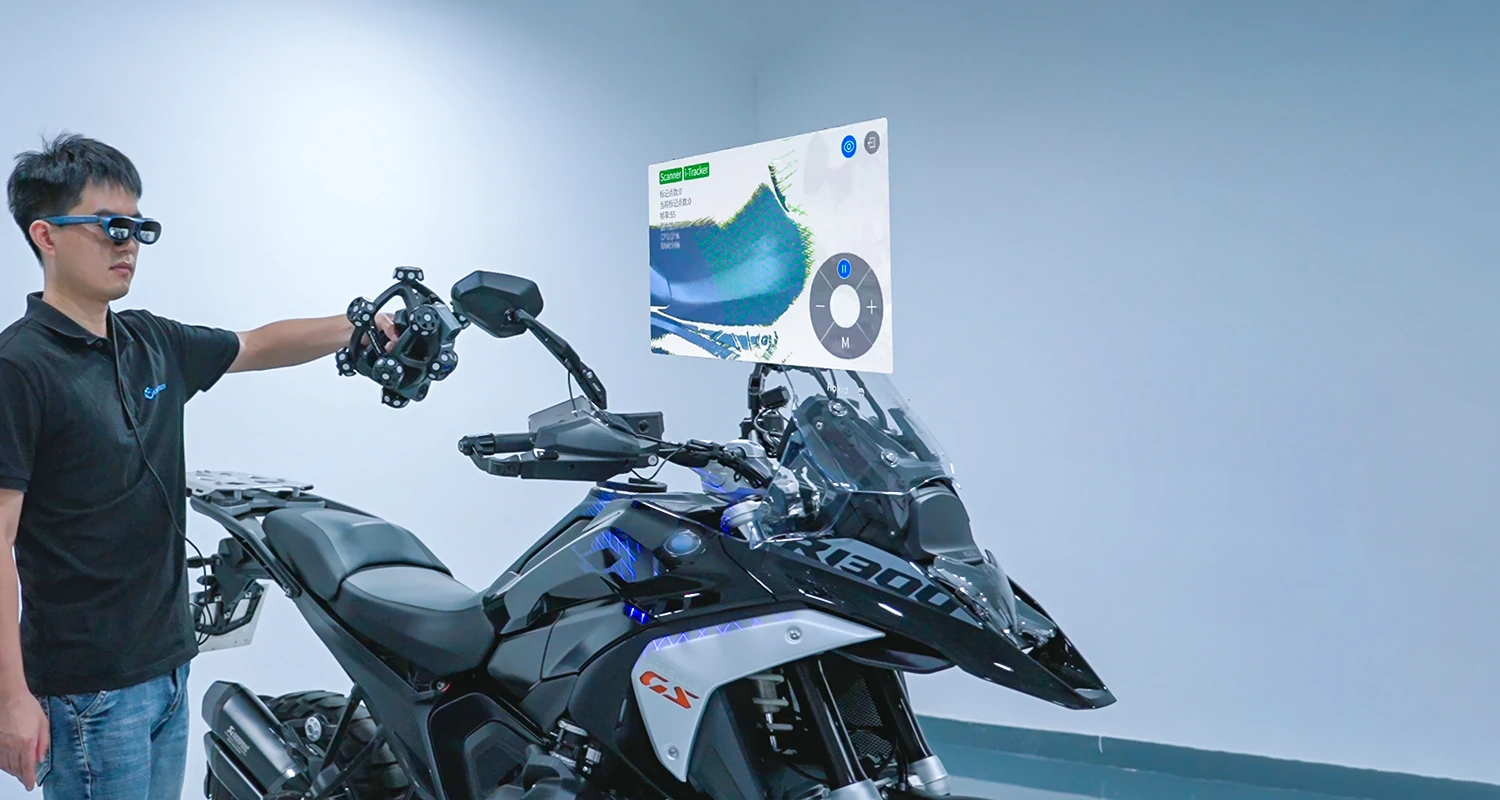
Supports AR Glasses
Experience intuitive spatial interaction through AR glasses—ideal for remote inspection of scanned parts, real-time visualization of 3D models during scanning, and immersive educational demonstrations. Unlocks new capabilities in quality control, collaborative review, and hands-on training.
07 / SPECIFICATIONS
Manufacturer data.
The manufacturer does not publish a table for software. We send system requirements and supported equipment on request.
Source: official SCANOLOGY product page. Accuracy, volumetric accuracy and resolution apply under the conditions stated by the manufacturer.
DOCUMENTS
For a closer look.
Related products.
All: Software →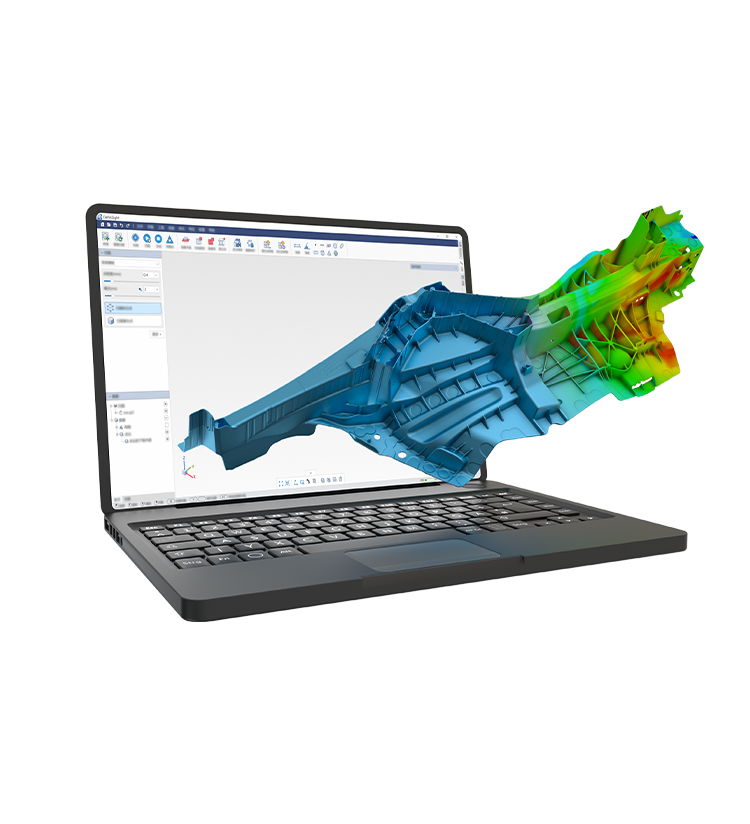

3D ING / DefinSight Mobile
Let’s test the system
on your task.
Describe the object, its size, material and the purpose of the measurement. We will prepare a demonstration or a quote for the right configuration.